
Magento's PhpStorm Plugin Adds AI Upgrade Checks and Security Patch Alerts Inside the IDE
A free plugin that more than 257,000 developers have downloaded can now run Adobe’s Upgrade Compatibility Tool through an AI assistant and flag security patches an hour after they are published, and its maintainer says many Magento developers still do not know it exists.
How does a Magento team find out what an upgrade will break before the upgrade is under way, when the compatibility report usually arrives after the estimate has been signed? The Magento 2 and Adobe Commerce plugin for PhpStorm, an open-source project in the magento GitHub organization, shipped three releases between October 13 and October 15 that take on that problem from inside the editor. One release exposes Adobe’s Upgrade Compatibility Tool (UCT) to AI assistants such as Codex and Claude Code over the Model Context Protocol (MCP). The next adds release and security patch notifications that check the open project against published advisories every hour.
Vitalii Boiko, who maintains the plugin and cut the three releases, sent the details to Talk Commerce along with a recorded demo of the upgrade check running in PhpStorm with Codex.
What Shipped in October
The changelog on the plugin’s development branch lists the three releases.
- Version 2026.3.3, October 13, added the
magento_compatibilityMCP tool, which runs the built-in UCT across PHP and XML files by project path or module name, discovers the supported target versions, scans in the background, and pages through findings. - Version 2026.3.4, October 15, added hourly and manual update checks for Magento Open Source, Adobe Commerce and Mage-OS in the supported IDEs, with separate release and security notifications for findings published in the past month.
- Version 2026.3.4-p1, the same day, taught the security check to recognize monthly fixes applied through Adobe’s Cloud Patches, and to require verified coverage for the Commerce and B2B components before an advisory is dismissed.
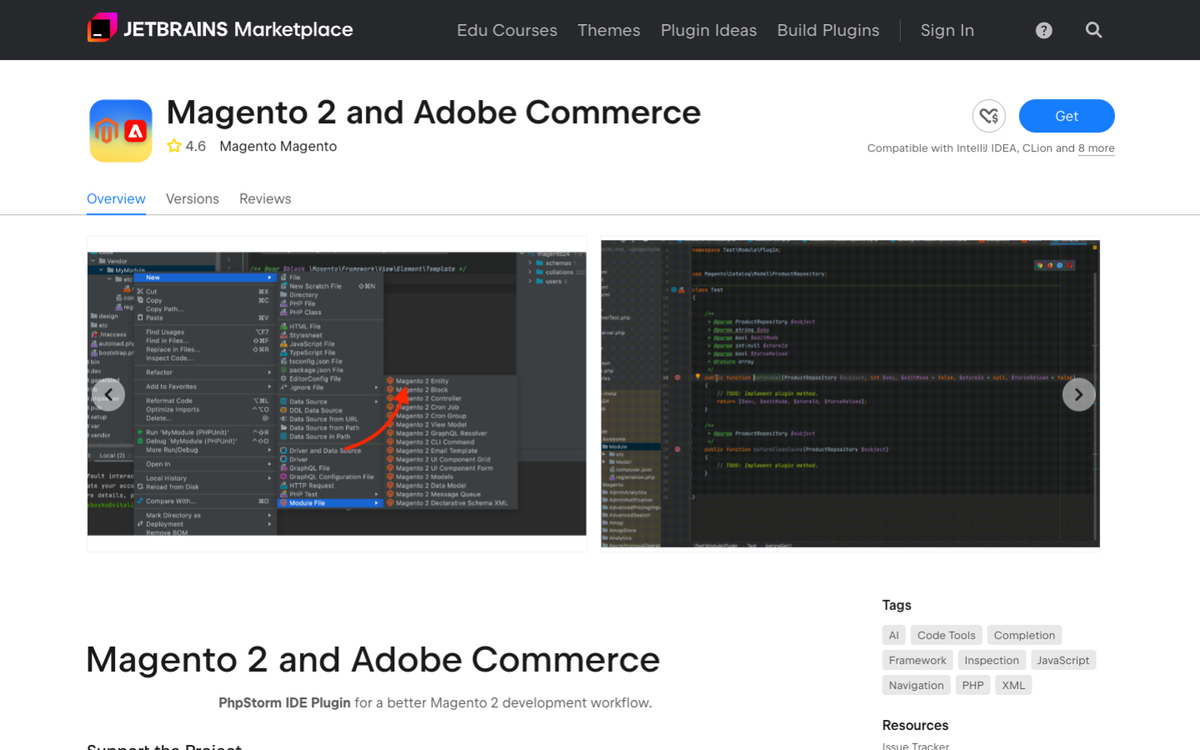
The plugin is free, licensed under the Open Software License 3.0, and the JetBrains Marketplace listing shows 257,715 downloads. The GitHub repository has 471 stars and 98 forks.
How the Upgrade Check Works
The plugin exposes a set of Magento tools through the JetBrains MCP server, which a developer enables under Settings, Tools, MCP Server, and then connects to an assistant. The wiki lists Codex, Junie, Claude Code and Cursor as compatible clients. PhpStorm gets the full toolset, and non-PHP JetBrains IDEs get a reduced one.
Once connected, the assistant can call magento_compatibility on a module, a directory, or a single PHP, XML, PHTML or HTML file, name a target Adobe Commerce version, and get back the UCT findings. The tool separates issues that are already present in the code from issues the upgrade would introduce, which is the question a team asks before it quotes an upgrade. In the demo, Boiko asks Codex to check a module against a newer version and walks through the findings in the editor rather than in a separate report.
The same MCP server carries the plugin’s other tools, including magento_inspect for reading module, dependency injection, plugin, observer, layout and ACL configuration, and magento_scaffold for generating modules, plugins, observers, controllers, CLI commands and entity CRUD code. Two bundled skills, magento-inspect and magento-scaffold, ship with it.
Security Patch Alerts in the Editor
The notification feature watches the open project and shows three kinds of alert. A blue release notice appears when a patch or stable release is available for the installed distribution. A red security notice appears when an advisory applies to the installed version and the plugin cannot find the fix in the local code. A warning appears when the installed version has passed its published end-of-support date.
Checks run when a project opens and once an hour after that, and a developer can snooze an alert for a day, turn automatic checks off, or run one by hand. The plugin recognizes fixes applied as Composer patches and through Cloud Patches, skips source checkouts and development builds, and pulls its advisory data from a feed at magento.watch, and the feed address is a setting a team can change. The wiki states the limit in plain words, the check reads the project open in the IDE and does not verify what is deployed in production.
What This Means for Magento Teams
Two costs sit on a Magento store that is more than a version behind. The first is the upgrade estimate, which agencies pad because the compatibility findings arrive late. The second is the gap between a security patch being published and a developer hearing about it, which on a small team can run weeks. Both features move the information to the place the developer already sits, and the upgrade check turns a report into a conversation with an assistant that can also open the file and propose the fix.
The claims here are the project’s own, from its changelog, wiki and demo, and Talk Commerce has not run the tools against a production codebase. A team that wants to try the upgrade check can install the plugin from the JetBrains Marketplace, follow the MCP setup page, and turn on the alerts from the notifications page.
Boiko’s reason for sending the update is the one that stands out. “Despite being actively developed and maintained for years, the plugin is still relatively unknown to many Magento developers,” he wrote. For a tool with 257,000 downloads, that line says something about how news travels in the Magento community, and a maintainer writing to a podcast to ask for help is how this piece came to be written.